



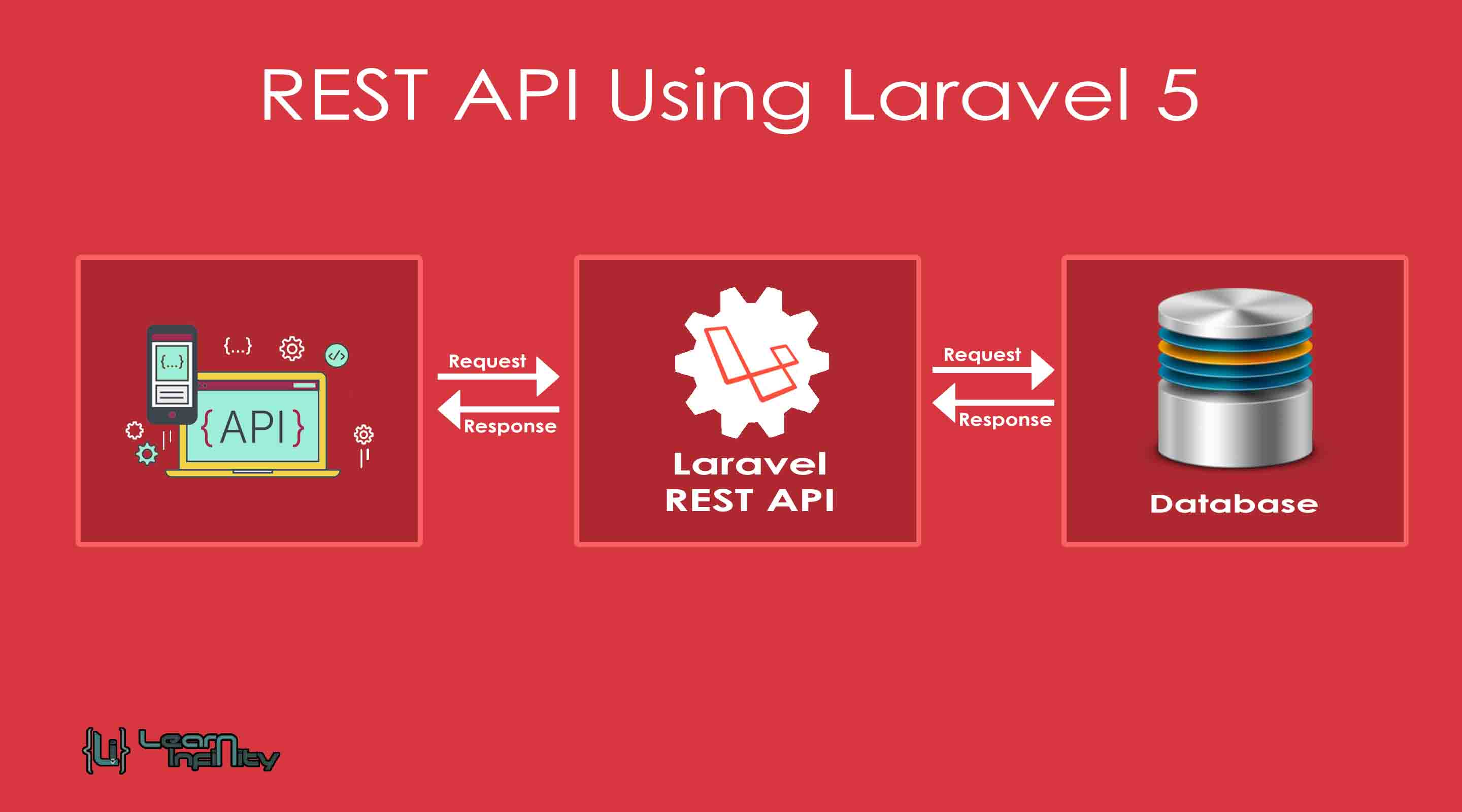
In this post, we are going to learn about REST API implementation using PHP and MySQLi. A RESTful web service helps us to perform CRUD operations with MySQL database. In this post which is part of the REST API series, let us learn how to implement an easy and simple CRUD REST API using PHP and MySQLi for Create, Read, Update and Delete operations. The entire process will be handled with a help of core PHP not be using any framework as dependencies.
Most of the single page applications (or SPAs) enhancing very familiar and very quickly we see an increasing want to attach APIs for every process in it. Most organizations use the first step by building a simple and quick REST API. I write PHP script that makes a simple and quick REST API from your MySQL Database tables with full CRUD support.
Step 1: Database and Connect Details
Here we going to get contention with MySQL database using PHP with MySQLi contention property. Using this contention object we can process the CRUD process with REST API.
|
1 2 3 4 5 6 7 |
CREATE TABLE `li_ajax_post_load` ( `post_id` int(11) NOT NULL, `post_title` varchar(250) NOT NULL, `post_desc` text NOT NULL, `status` int(11) NOT NULL, PRIMARY KEY (`post_id`) ) ENGINE=InnoDB DEFAULT CHARSET=latin1; |
and connection object,
|
1 2 3 4 5 6 7 8 9 10 |
<?php //db details $db_host = 'localhost'; $db_user = 'root'; $db_pass = ''; $db_name = 'li_demo'; //connect and select db $con = mysqli_connect($db_host, $db_user, $db_pass, $db_name); ?> |
Step 2: Read or Select using REST API
The READ or SELECT operations are done by passing the action name keyword in the Form data are parsed by the GET or POST methods but mostly GET method only preferred for this operations. We may use this method to pass the search keyword as a parameter to be searched from a database. After this select process, the REST API response as a JSON result data with the Post data details.
|
1 |
header('content-type:application/json'); |
and select procedure for get the data from database with parameter keywords,
|
1 2 3 4 5 6 7 8 9 10 11 12 13 14 15 16 17 18 19 20 21 22 23 24 25 |
$actionName = $_POST["actionName"]; if($actionName == "selectPost"){ $seachKey = isset($_POST["seachKey"]) ? $_POST["seachKey"] : ''; if(!empty($seachKey)) $query = "SELECT * FROM li_ajax_post_load where post_title like '%$seachKey%' ORDER BY post_id DESC"; else $query = "SELECT * FROM li_ajax_post_load ORDER BY post_id DESC"; $result = mysqli_query($con, $query); $rowCount = mysqli_num_rows($result); if($rowCount > 0){ $postData = array(); while($row = mysqli_fetch_assoc($result)){ $postData[] = $row; } $resultData = array('status' => true, 'postData' => $postData); }else{ $resultData = array('status' => false, 'message' => 'No Post(s) Found...'); } echo json_encode($resultData); } |


when i run this code it shows blank page…
Why it happens?????
I have the same problem, have you found out what is the problem ?
Hi Steeve,
Thanks for you valuable comment. We’ll check and update it shortly
Hello, have you updated it ?
Unfortunately, the code does not work in my case and I receive the following message:
SyntaxError: JSON.parse: unexpected keyword at line 1 column 1 of the JSON data
Please, can you help?
Hi
Can you share ur code to identify the issue
is it possible that we use one api and one query to insert data and if data is already is save in database then update the data
Hi Abhishek,
We can do that, you need to check the data before run a inset query.
If record exist you may run update query else insert as new record into database.
Thanks.